1. What Is ImagineBuddy?
ImagineBuddy is an AI-powered creative platform specializing in adaptive AI product photography prompts. It helps ecommerce businesses, brand owners, marketers, graphic designers, photographers, advertising agencies, and content creators transform ordinary product photographs into premium, commercial-style visuals using AI image-generation tools such as Google Gemini and ChatGPT.
Instead of spending lakhs on traditional photoshoots, you can use ImagineBuddy's structured photography prompts to create different product photography concepts.
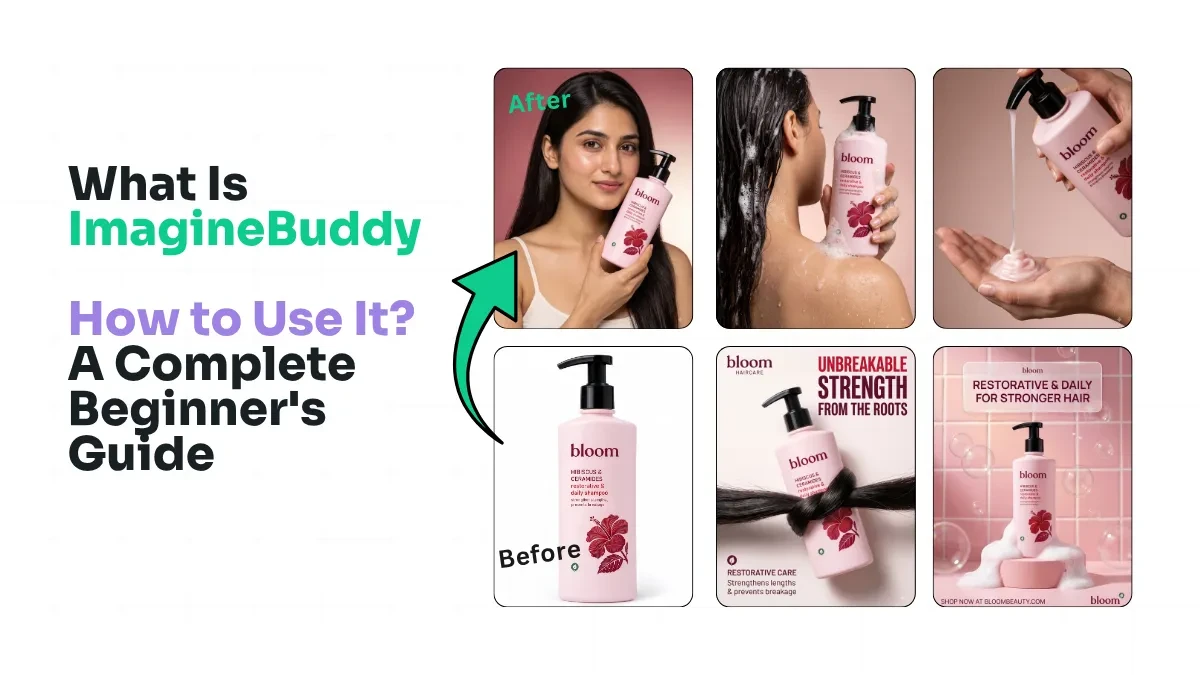
For example, you can transform a simple skincare bottle photograph into:
-
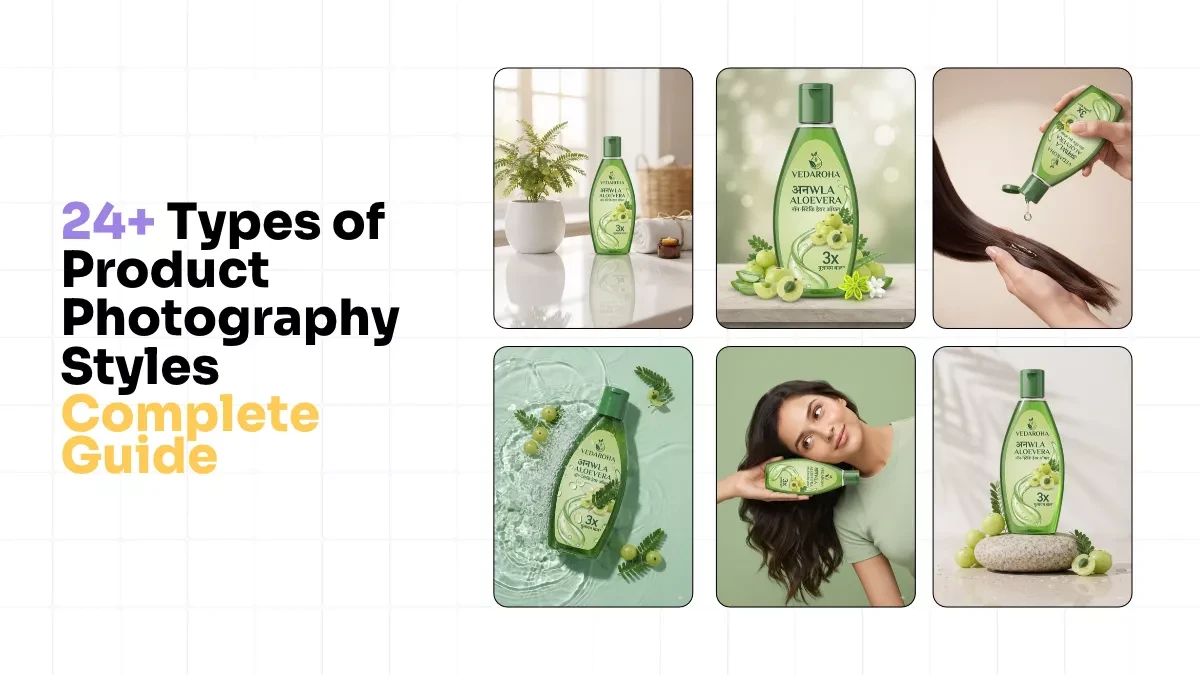
Premium studio product photography.
-
Luxury lifestyle photography.
-
Creative advertising visuals.
-
Seasonal campaign photography.
-
Product photographs with professional lighting and backgrounds.
2. What Makes ImagineBuddy Different?
The main feature of ImagineBuddy is its Adaptive AI Product Photography Prompts.
Generic Prompts vs. Adaptive Prompts
Generic AI Prompts
-
Focus on creating a scene.
-
Often require manual adjustments.
-
May use generic props and colours.
-
Require more prompt experimentation.
ImagineBuddy Adaptive Prompts
-
Focus on your actual product.
-
Adapt visual direction to product details.
-
Guide suitable props, backgrounds and lighting.
-
Provide structured photography instructions.
ImagineBuddy uses your uploaded product photo as visual context. The prompt guides the AI to consider the product's shape, colour, material, branding and overall appearance when generating the scene.
The goal is simple: One photography concept can adapt to different products without manually rewriting every prompt.
Results still depend on the AI image generator and reference image.
3. Who Is ImagineBuddy Built For?
ImagineBuddy is designed for people and businesses that need professional product visuals for marketing, advertising and ecommerce.
Ecommerce Business Owners
Create product images for Amazon, Flipkart, Shopify and online stores.
Brand Owners and Marketers
Create campaign visuals, promotional creatives and seasonal advertisements.
Graphic Designers and Advertising Agencies
Generate creative product photography assets for advertising and design projects.
Photographers and Content Creators
Explore new product styling, lighting setups and creative photography concepts.
Small Businesses and Startups
Create professional-looking product visuals without arranging a traditional photoshoot for every campaign.
4. How to Use ImagineBuddy
Follow these simple steps to start creating AI product photographs.
Step 1: Visit ImagineBuddy
Visit https://www.imaginebuddy.com/ and browse the photography prompt library.
Step 2: Select Your Product Category
Choose the category relevant to your product, such as jewellery, skincare, fashion, food or electronics.
Step 3: Choose Your Photography Style
Explore different concepts, such as luxury studio photography, minimal product photography, lifestyle scenes or commercial advertising.
Step 4: Copy the Adaptive Prompt
Select your preferred photography concept and copy its adaptive prompt.
Step 5: Upload Your Product Image
Open Google Gemini or ChatGPT, upload your original product photograph and paste the copied ImagineBuddy prompt.
Step 6: Generate Your Product Image
Generate the image, review the product details and refine the result if necessary.
Always check that the AI has preserved your product's shape, branding, packaging, colours and other important details.
5. What Can You Create with ImagineBuddy?
ImagineBuddy helps you explore different commercial product photography styles.
Studio Product Photography
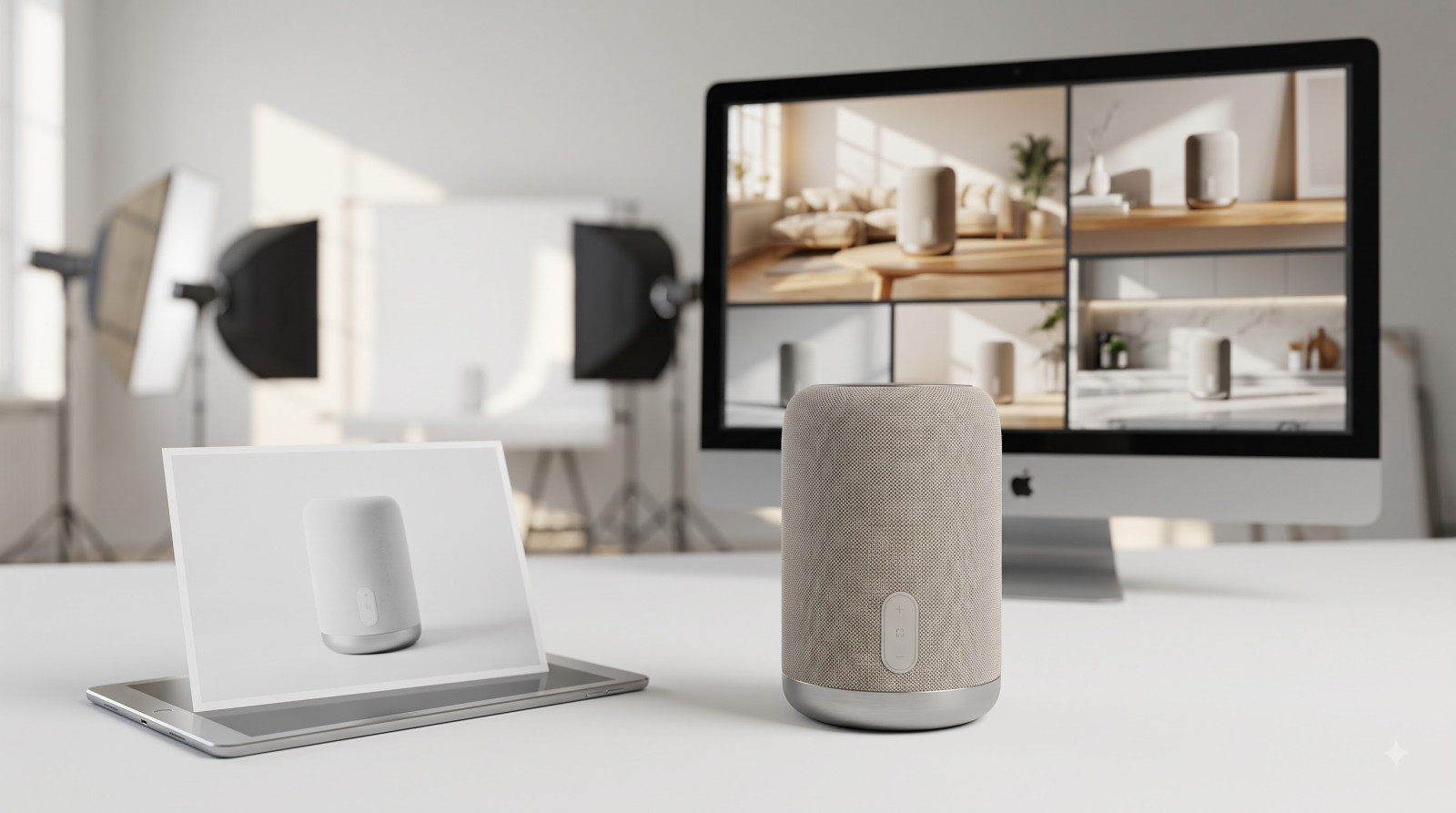
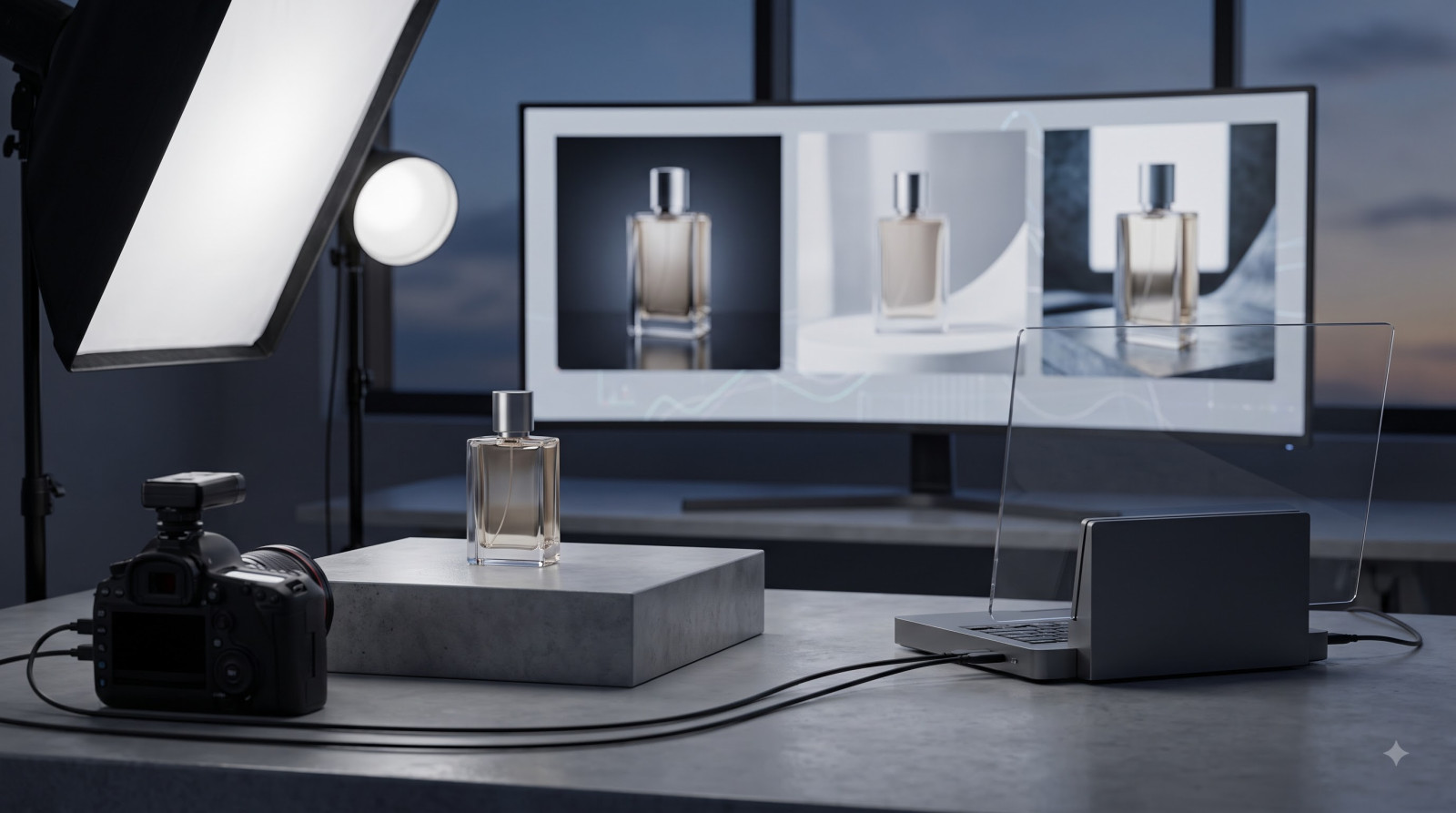
Create clean, professional studio-style visuals with controlled lighting, attractive backgrounds and realistic shadows.
Lifestyle Product Photography
Place your products in visually appealing lifestyle environments that complement their design and intended audience.
Advertising Campaign Visuals
Create premium commercial visuals for social media advertisements, promotional campaigns and marketing materials.
Ecommerce Product Photography
Create attractive product visuals for online stores, marketplaces and ecommerce marketing campaigns.
6. What Do You Need to Get Started?
Before creating your first AI product photograph, make sure you have:
-
An ImagineBuddy account and access to the prompts you want to use.
-
A clear product photograph.
-
Access to Google Gemini or ChatGPT with image-generation capabilities.
-
A creative idea for your product photography.
7. Frequently Asked Questions
What is ImagineBuddy used for?
ImagineBuddy is used to create adaptive AI product photography prompts that help users generate professional-looking product visuals using AI image-generation tools.
Do I need photography skills to use ImagineBuddy?
No. You can start with a basic product photograph and follow the prompts. Basic knowledge of AI image generation can help you refine your results.
Which AI tools can I use with ImagineBuddy?
ImagineBuddy's prompts are designed for AI tools such as Google Gemini and ChatGPT. Compatibility and results may vary depending on the tool and its capabilities.
Can I use ImagineBuddy for any product?
ImagineBuddy supports product photography concepts across categories such as skincare, jewellery, fashion, food, electronics, home decor and other physical products.
Can ImagineBuddy replace traditional product photoshoots?
ImagineBuddy can help reduce the need for traditional photoshoots for many creative applications. However, professional photography may still be necessary when exact product accuracy, specialised requirements or specific commercial standards are essential.
Conclusion
ImagineBuddy makes AI-powered product photography more accessible with structured, adaptive prompts.
Whether you are an ecommerce seller, brand owner, graphic designer, photographer or marketer, you can use ImagineBuddy to explore creative product photography concepts and generate campaign-ready visual ideas using AI.
You bring the product photograph. ImagineBuddy provides the adaptive photography prompt. Google Gemini or ChatGPT helps generate the final visual.
Upload. Copy. Paste. Create.
Start Creating with ImagineBuddy
Ready to transform your product photography?
Visit https://www.imaginebuddy.com/ and explore the adaptive AI product photography prompt library.