Clean Background Portrait Prompt Using Google Gemini

Master clean background portrait prompts to separate subject from environment. Optimized for Google Gemini and compatible with ChatGPT, Midjourney, and more.

Get Started
Clean Background Portrait Prompt Using Google Gemini

(8) Best Prompt Examples with AI Images

Google Gemini
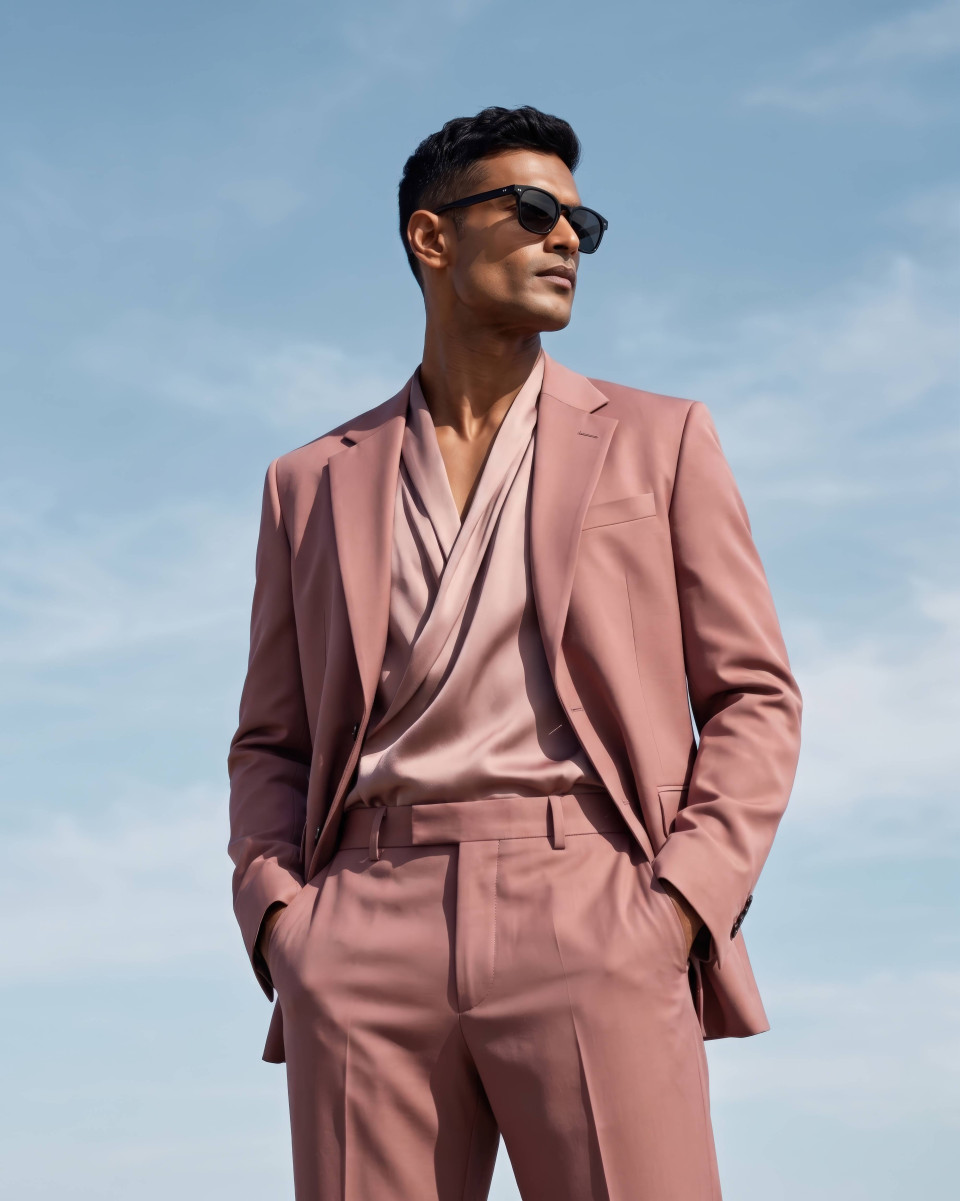
Use the uploaded image and create a business professional people photography of a creative director, sharply in focus, set against a seamless pastel studio wall, gentle gradient backdrop, using wide aperture for background separation. Lighting is softbox key light with feathered edges, keeping full attention on the subject.
imaginebuddy 0 0
Creative Director in Pastel Studio Portrait Sharp Focus Google Gemini Prompt
Google Gemini
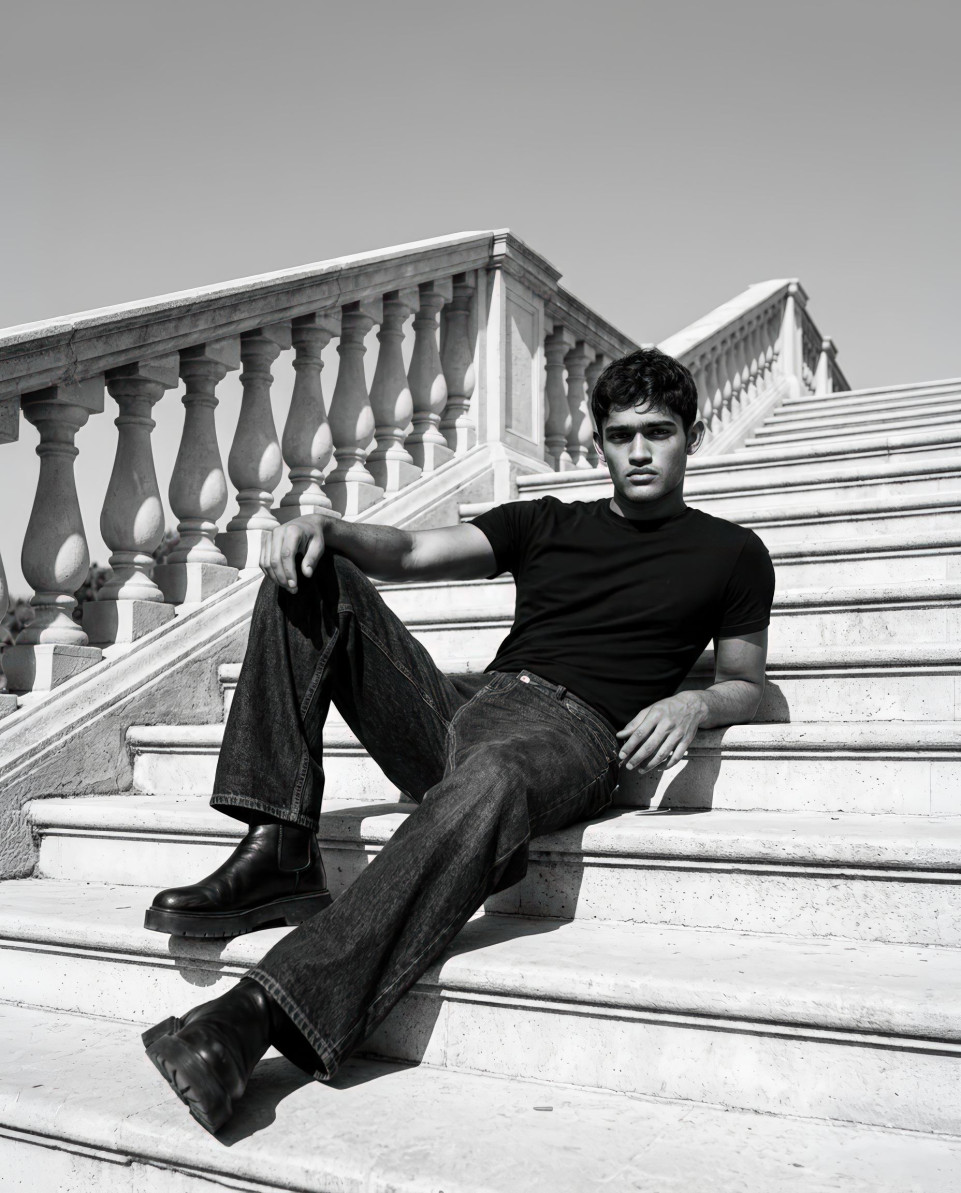
Use the uploaded image and create a professional people photography of a professional fitness coach, sharply in focus, set against a softly blurred park pathway, natural green hues, using wide aperture for background separation. Lighting is natural daylight with controlled shadow fill, keeping full attention on the subject.
imaginebuddy 0 1
Professional Fitness Coach Outdoors Park Path Sharp Focus Google Gemini Prompt
Google Gemini
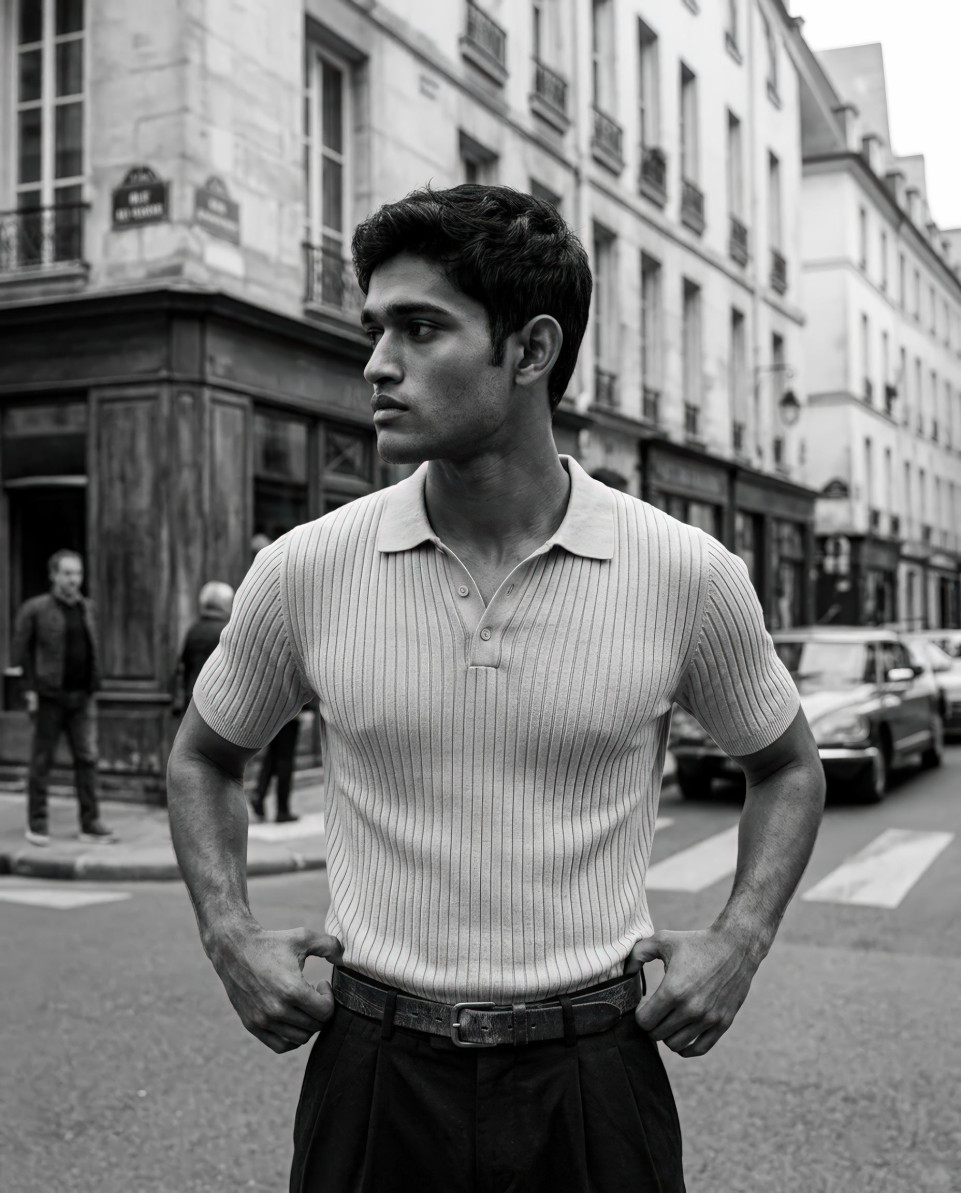
Use the uploaded image and create a professional people photography of a published author, sharply in focus, set against a gently blurred bookshelf environment, warm wood textures, using wide aperture for background separation. Lighting is warm key light with low-intensity backlight, keeping full attention on the subject.
imaginebuddy 0 0
Published Author in Bookshelf Setting Sharp Focus Google Gemini Prompt
Google Gemini
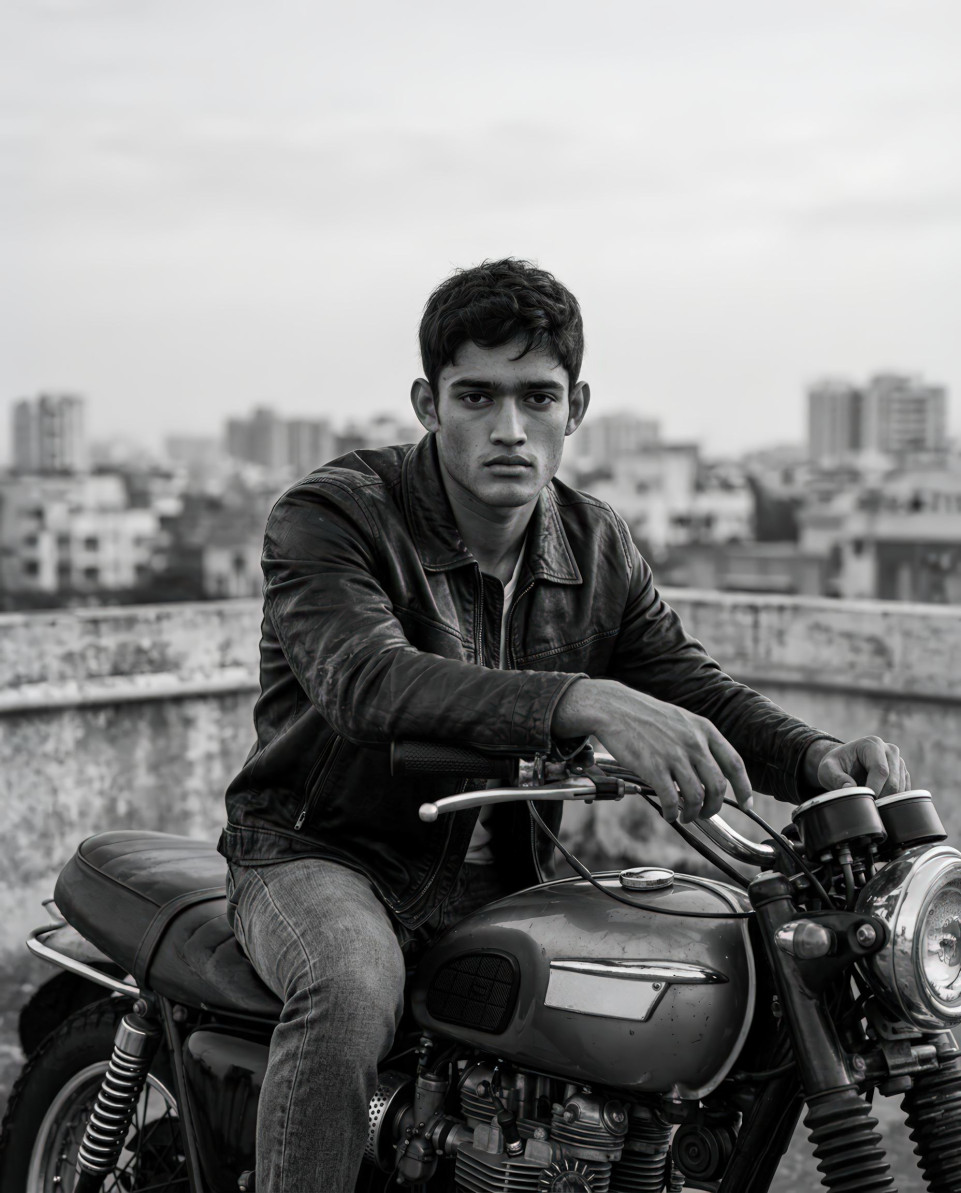
Use the uploaded image and create a professional people photography of a medical researcher, sharply in focus, set against a softly diffused hospital hallway, clean neutral surfaces, not holding elements, using wide aperture for background separation. Lighting is controlled overhead lighting with soft fill, keeping full attention on the subject.
imaginebuddy 0 0
Medical Researcher in Hospital Hallway Sharp Focus Google Gemini Prompt
Google Gemini
Use the uploaded image and create a professional people photography of a financial analyst, sharply in focus, set against a defocused corporate boardroom, understated beige tones, using wide aperture for background separation. Lighting is directional studio lighting with balanced contrast, keeping full attention on the subject.
imaginebuddy 0 0
Financial Analyst in Corporate Boardroom Sharp Focus Google Gemini Prompt
Google Gemini
Use the uploaded image and create a professional people photography of a corporate lawyer, sharply in focus, set against a softly blurred private office interior, dark wood accents, using wide aperture for background separation. Lighting is classic three-point lighting setup, keeping full attention on the subject.
imaginebuddy 0 0
Corporate Lawyer in Private Office Interior Sharp Focus Google Gemini Prompt
Google Gemini
Use the uploaded image and create a professional people photography of a tech startup founder, sharply in focus, set against a lightly blurred modern skyline, cool-toned architectural shapes, using wide aperture for background separation. Lighting is high-key studio lighting with even illumination, keeping full attention on the subject.
imaginebuddy 0 0
Tech Startup Founder with Skyline Background Sharp Focus Google Gemini Prompt
Google Gemini
Use the uploaded image and create a professional people photography of a marketing manager, sharply in focus, set against a smooth monochrome backdrop, low-contrast studio environment, using wide aperture for background separation. Lighting is frontal key light with subtle rim lighting, keeping full attention on the subject.
imaginebuddy 0 0
Marketing Manager in Monochrome Studio Portrait Sharp Focus Google Gemini Prompt

How It Works

1
Browse Prompts

Explore a wide collection of AI prompts curated by our experts. Find the perfect prompt that matches your vision.

2
Copy Prompts

Choose from ready-to-use AI prompts. Simply copy them with a click and get started without guesswork.

3
Create Stunning Design or Art

Paste the prompt into your favorite AI image generator (Midjourney, Google Gemini, ChatGPT Image, Stable Diffusion) and watch your ideas transform.

Create Your Own Customized Clean Background Portrait Prompt Using Google Gemini

More Useful Examples for Clean Background Portrait Prompt Using Google Gemini

Real Estate Agent Portrait With Subtle Lobby Blur

Professional people photography of a real estate agent, sharply in focus, set against a softly blurred upscale building lobby, warm neutral stone tones, using wide aperture for background separation. Lighting is soft ambient lighting with directional key light, keeping full attention on the subject.

Fashion Buyer Headshot With Clean Showroom Depth

Professional people photography of a fashion retail buyer, sharply in focus, set against a gently defocused showroom floor, minimal rack silhouettes, using wide aperture for background separation. Lighting is diffused overhead lighting with controlled highlights, keeping full attention on the subject.

Software Engineer Portrait With Minimal Workspace Blur

Professional people photography of a software engineer, sharply in focus, set against a lightly blurred modern workstation, cool muted desk colors, using wide aperture for background separation. Lighting is soft LED panel lighting with neutral balance, keeping full attention on the subject.

Public Speaker Branding Photo With Stage Separation

Professional people photography of a motivational speaker, sharply in focus, set against a softly blurred auditorium stage, dark backdrop with subtle light spots, using wide aperture for background separation. Lighting is focused key spotlight with gentle fill, keeping full attention on the subject.

Interior Designer Portrait With Controlled Studio Texture

Professional people photography of an interior designer, sharply in focus, set against a subtly blurred design studio wall, textured fabric samples, using wide aperture for background separation. Lighting is warm studio lighting with even diffusion, keeping full attention on the subject.

Startup Recruiter Headshot With Office Depth Control

Professional people photography of a startup recruiter, sharply in focus, set against a softly defocused open-plan office, neutral contemporary tones, using wide aperture for background separation. Lighting is balanced mixed lighting with soft shadows, keeping full attention on the subject.

Journalist Profile Photo With Urban Blur

Professional people photography of a news journalist, sharply in focus, set against a gently blurred city sidewalk scene, subdued concrete textures, using wide aperture for background separation. Lighting is natural overcast daylight, keeping full attention on the subject.

UX Designer Portrait With Creative Space Softening

Professional people photography of a UX designer, sharply in focus, set against a softly blurred creative workspace, pastel wall accents, using wide aperture for background separation. Lighting is indirect studio lighting with low contrast, keeping full attention on the subject.

HR Manager Headshot With Neutral Office Backdrop

Professional people photography of a human resources manager, sharply in focus, set against a defocused corporate office interior, light gray palette, using wide aperture for background separation. Lighting is evenly balanced key and fill lighting, keeping full attention on the subject.

Consultant Branding Photo With Minimal Urban Depth

Professional people photography of a business transformation consultant, sharply in focus, set against a softly blurred modern plaza, clean architectural lines, using wide aperture for background separation. Lighting is controlled natural daylight with reflector fill, keeping full attention on the subject.

Chef Portrait With Kitchen Background Blur

Professional people photography of a professional chef, sharply in focus, set against a softly blurred commercial kitchen, stainless steel surfaces, using wide aperture for background separation. Lighting is soft overhead kitchen lighting with warm fill, keeping full attention on the subject.

Photographer Headshot With Studio Gear Softening

Professional people photography of a professional photographer, sharply in focus, set against a subtly blurred photography studio, muted backdrop with equipment hints, using wide aperture for background separation. Lighting is controlled softbox key light with slight rim light, keeping full attention on the subject.

Artist Portrait With Gallery Background Blur

Professional people photography of a contemporary artist, sharply in focus, set against a softly blurred art gallery wall, colorful abstract textures, using wide aperture for background separation. Lighting is soft directional gallery lighting, keeping full attention on the subject.

Architect Headshot With Office Model Depth

Professional people photography of an architect, sharply in focus, set against a lightly blurred design studio with model displays, neutral tones, using wide aperture for background separation. Lighting is natural window light combined with soft fill, keeping full attention on the subject.

Musician Portrait With Stage Background Softening

Professional people photography of a professional musician, sharply in focus, set against a softly blurred live performance stage, dark wood and subtle lighting, using wide aperture for background separation. Lighting is controlled spotlight with gentle fill, keeping full attention on the subject.

One of the most common problems in people photography especially with AI image generators is that the environment steals the spotlight. Busy streets, harsh colors, or uncontrolled lighting can overpower the person in the photo. The Clean Background Portrait Prompt Using Google Gemini was designed to solve exactly that problem by prioritizing subject clarity, background control, and visual focus. More than just a prompt, it also includes a built-in prompt builder, making it easy for creators at any skill level to generate professional-grade portraits consistently.
 

Why Use This Prompt and Prompt Builder

The key challenge in AI-generated portraits is separation: when the subject blends into the background, the image loses impact. This prompt tackles that by controlling background complexity and enforcing strong focus separation through lighting and depth of field.

What makes it especially powerful is the prompt builder. Instead of guessing what to change, you’re guided to customize only the elements that matter subject, background style, and lighting while the technical structure remains intact. Even better, while optimized for Google Gemini, this prompt structure is fully compatible with ChatGPT, Midjourney, and other widely used AI image tools, ensuring consistent results across platforms.
 

How to Use the Prompt

  • [subject] : This defines who or what is being photographed. It can be a professional headshot, creative portrait, or lifestyle subject. Being specific here improves realism and relevance.

  • [background] : This controls environmental complexity. Options like softly blurred urban scenes or neutral color backdrops ensure the environment supports not competes with the subject.

  • [lighting] : Lighting determines mood and clarity. Balanced studio-style lighting keeps facial features clean, evenly lit, and professional, avoiding harsh shadows or distractions.

Together, these placeholders allow you to fine-tune portraits while maintaining consistent visual quality.
 

Final Thoughts

This clean background portrait setup is more than a simple AI prompt it’s a repeatable system for producing polished, people-first imagery. By solving the issue of overpowering environments and offering a flexible prompt builder, it empowers creators to achieve studio-quality results with ease. Whether you’re using Google Gemini, ChatGPT, Midjourney, or another AI tool, this approach helps you create portraits that truly command attention. If you found this useful, share it and check back for more practical AI creativity guides.