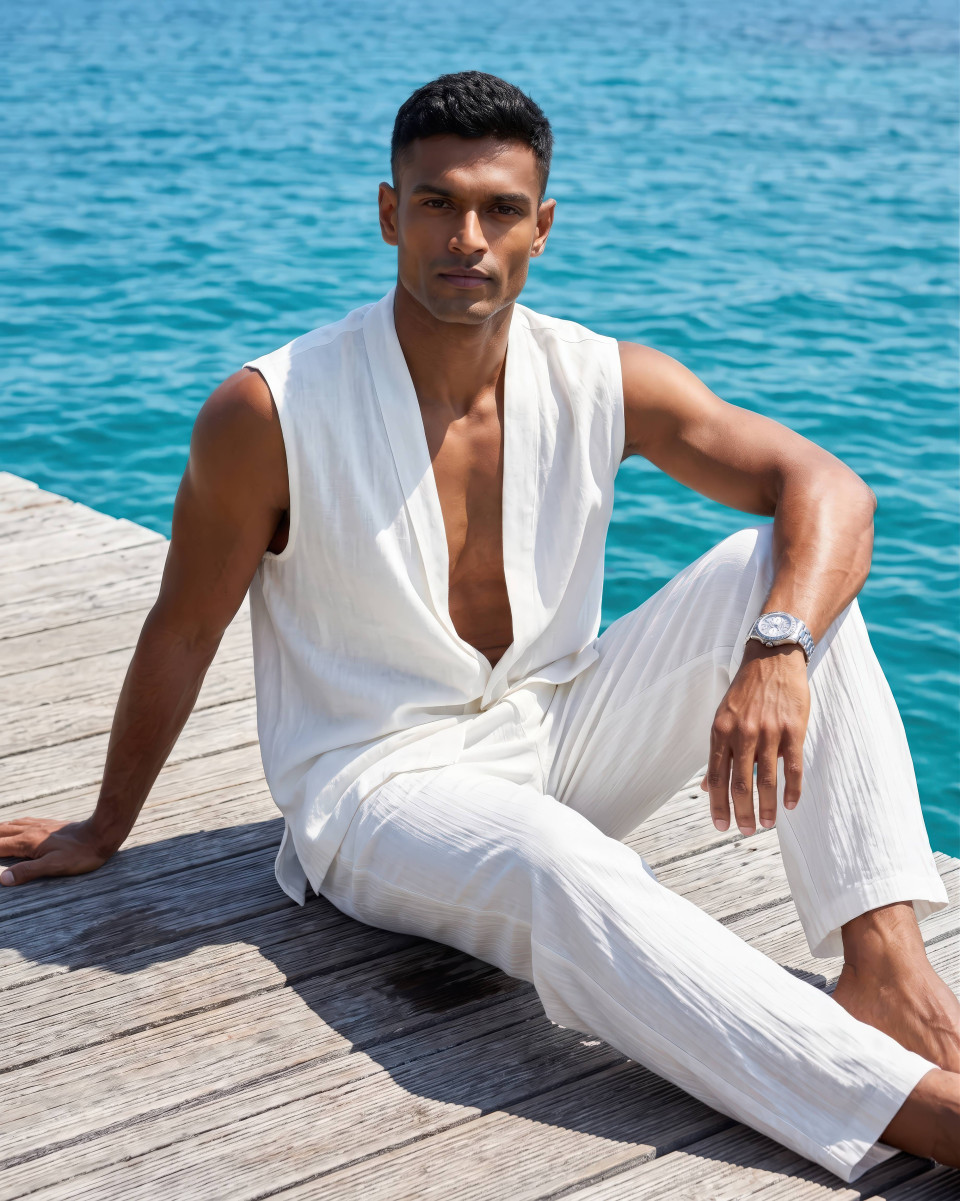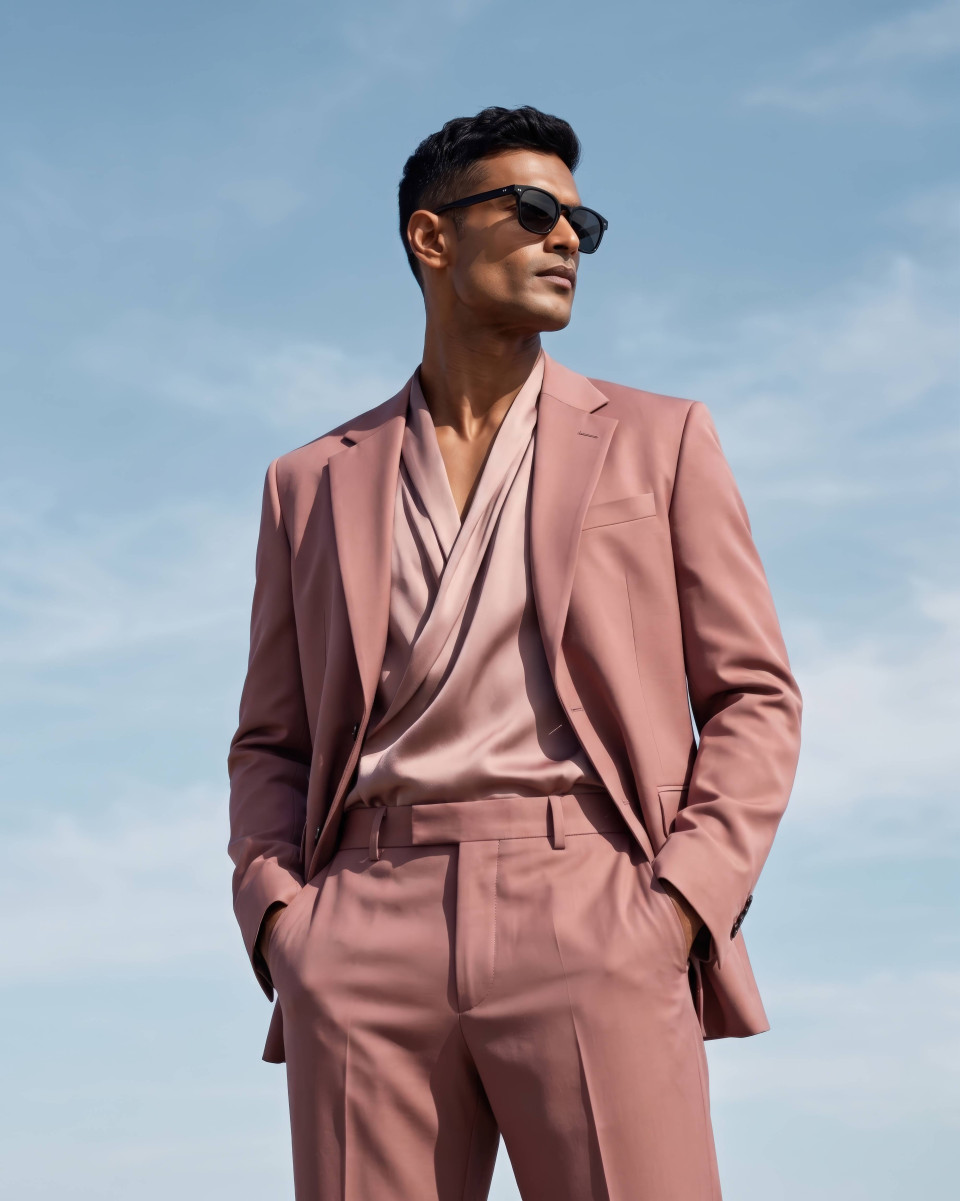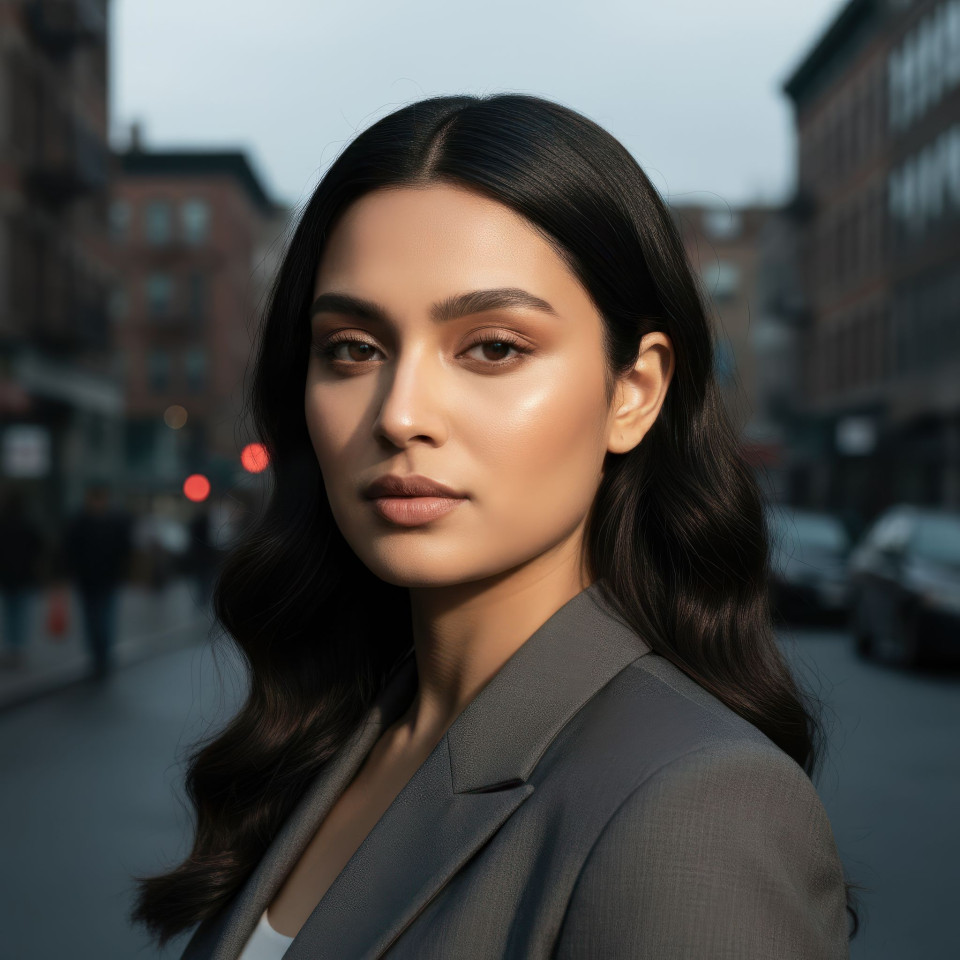
Magic Golden Hour: Best Gemini Portrait Prompt
Unlock the secret to golden hour perfection in Gemini. Transform uninspired shots into cinematic portraits with soft highlights and warm, directional glows.
Get Started


How It Works
Browse Prompts
Explore a wide collection of AI prompts curated by our experts. Find the perfect prompt that matches your vision.
Copy Prompts
Choose from ready-to-use AI prompts. Simply copy them with a click and get started without guesswork.
Create Stunning Design or Art
Paste the prompt into your favorite AI image generator (Midjourney, Google Gemini, ChatGPT Image, Stable Diffusion) and watch your ideas transform.
More Useful Examples for Magic Golden Hour: Best Gemini Portrait Prompt
Golden Hour Portrait with Radiant Sunset Backlight
Warm Evening Selfie with Dreamlike Golden Light
Golden Hour Full-Body Fashion Portrait Outdoors
Romantic Sunset Portrait with Soft Glow
Golden Hour Selfie with Warm Cinematic Shine
Sunset Full-Body Portrait with Dramatic Silhouette
Dreamy Golden Hour Portrait in Natural Light
Warm Sunset Selfie with Soft Backlit Glow
Golden Hour Full-Body Shot with Artistic Warmth
Elegant Golden Hour Portrait with Luxury Lighting
Golden Hour Portrait with Soft Sunset Radiance
Warm Golden Hour Selfie with Natural Glow
Full-Body Golden Hour Portrait in Scenic Light
Dreamy Sunset Portrait with Artistic Highlights
Golden Hour Selfie with Cinematic Warm Tones
-
We’ve all been there: you generate an AI portrait, but the result feels flat. Harsh, midday lighting often leaves your subjects looking washed out, uninspired, and two-dimensional. In professional photography, lighting is everything. To move from a "digital render" to a "cinematic masterpiece," you need to harness the power of the Golden Hour.
By using warm, directional light, you can create the soft highlights and long, cinematic shadows that define high-end photography. Whether you are using Google Gemini, Midjourney, or ChatGPT (DALL-E 3), this technique is the secret sauce for realism.
Why Use This Prompt and Prompt Builder?
This isn't just a static string of words; it’s a dynamic built-in prompt builder. While optimized for the nuances of Google Gemini, this framework is fully compatible with all major AI tools.
Using a structured builder allows you to move beyond generic requests. It forces the AI to calculate depth, atmospheric haze, and specific lens physics (like the iconic 85mm look). By controlling the light's direction and color, you eliminate the "flatness" of AI-generated skin tones, replacing them with a glow that feels alive and professional.
How to Use the Golden Hour Prompt Builder
To get the best results, customize the placeholders in the prompt to match your vision. Here is how to fill in the blanks:
-
[Subject]: Define the composition. Choose portrait for headshots, selfie for a casual vibe, or full-body shot to show off fashion and environment.
-
[Light Color]: This sets the mood. Warm amber is classic, soft orange feels like a sunset, and honey-colored adds a thick, rich glow.
-
[Shadow Type]: Shadows create depth. Use soft for a flattering look, diffused for realism, or dramatic for high-contrast noir styles.
-
[Atmosphere]: Control the air quality. Hazy creates a dreamlike "dreamcore" effect, while clear keeps the focus sharp and crisp.
-
[Environment]: Context is key. An outdoor park adds greenery, a city street provides urban bokeh, and a beach offers beautiful light reflections.
Final Thoughts
Great AI art is about the intersection of technology and classic photography principles. By mastering the Golden Hour, you transform "flat" into "fantastic." This prompt builder is your toolkit for creating images that don't just look like AI—they look like art. Try it across different platforms today and watch your portraits come to life with cinematic warmth!
-